

Where the chatbot answers visitors live, the auto responder posts an AI reply straight into a ticket conversation but only when a human has not already answered, and only when the answer clears a confidence bar you set.
It needs the Support tickets module on and the site connected to the AI service. Without both, it does not appear.
The settings
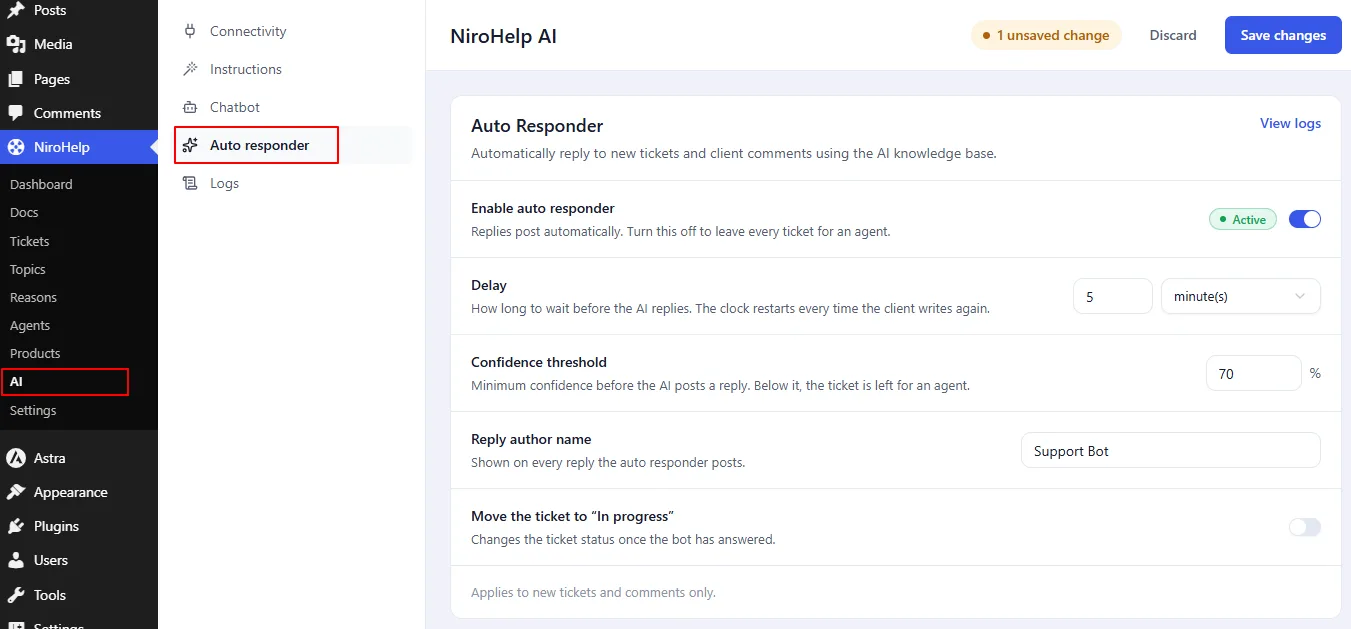
NiroHelp → AI → Auto responder:
| Setting | Default | What it does |
|---|---|---|
| Enable auto responder | off | The master switch. |
| Delay | 5 minutes | How long to wait before replying. Minutes, hours, or days. |
| Confidence threshold | 70 | How well your docs must match the question (0 to 100) before the bot posts an answer. |
| Comment author name | Support Bot | The name on the reply. |
| Change ticket status | off | Whether the bot’s reply moves the ticket to In Progress. |
How one reply happens
- A ticket is created, or a client posts a follow-up.
- NiroHelp queues a single reply for that ticket, due after your delay.
- When the time comes, it checks whether it should still run – see below.
- It sends the AI service the ticket title, the client’s name and email, the order reference, the products, the urgency, and the whole conversation. The client’s most recent message is the question; on a brand-new ticket, the description is.
- The service finds the most relevant parts of your synced docs and scores how well they match the question. That score – not the model’s own opinion of its answer – is what your threshold gates.
- If the score clears your threshold, the answer is posted as a reply under the author name you chose.
When it stays quiet
The queued auto-reply is skipped when:
- The feature is off.
- The site is not connected.
- The ticket is Resolved, Closed, or Cancelled.
- Someone has replied since the auto-reply was queued.
- The AI’s confidence is below your threshold.
- The service flags the ticket as negative. It is left for a human, even if the AI’s confidence meets your threshold.
A human reply always wins
| What happens | Effect on the queued reply |
|---|---|
| An agent replies | Cancelled. A human got there first. |
| A client replies | Cancelled and requeued, so the timer restarts and the bot answers the newest message. |
| A ticket is created | Queued. |
There is only ever one queued reply per ticket.
What triggers a handoff
There is no single “escalate” switch. A ticket reaches a human through one of three routes:
- The answer misses the bar. If the AI’s confidence is below your threshold, the queued reply is dropped and the ticket waits for an agent – see When it stays quiet, above.
- A human gets there first. The bot only speaks into a vacuum. The moment an agent replies, the queued AI reply is cancelled.
- Your instructions send it on. Custom instructions can tell the AI what to refuse and where to point people – a support email, your ticket form – for anything your docs do not cover.
Not yet available
There are no rule-based triggers – no “always hand refund requests to a human,” no “escalate on an angry tone.” Handoff today is the confidence bar, a human replying first, and your instructions.
Steering by topic or wording is done through instructions, not a fixed rule.
Sentiment is a separate track
Confidence decides whether a well-matched answer is good enough to post.
Sentiment is scored on its own, and on the auto responder it is its own reason to hold back: a ticket that reads as negative is left for a human even when the answer would have cleared the threshold.
Either way, the ticket is also surfaced for your team – the dashboard carries a client-sentiment split and orders its Needs attention queue by risk, and Slack can post a Negative sentiment alert, alongside an AI escalation alert whenever the bot holds an answer back or cannot answer at all.
Choosing a threshold
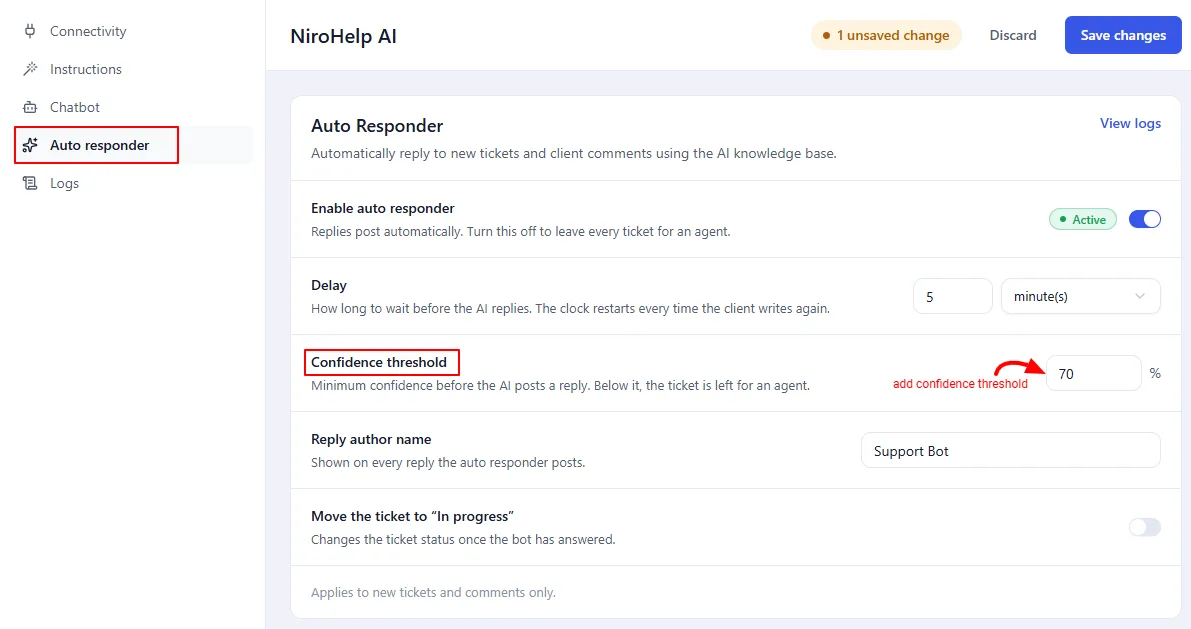
The threshold is the difference between a useful auto-reply and a confidently
wrong one.
- 70 (the default) means the bot answers only when your docs clearly cover the question.
- 85 is more conservative: more tickets reach a human, and the replies that do go out are better.
- Below 50 is rarely a good idea.
If you see the bot answering and an agent immediately correcting it, raise the threshold. A longer set of custom instructions will not fix a confidence problem.
The logs
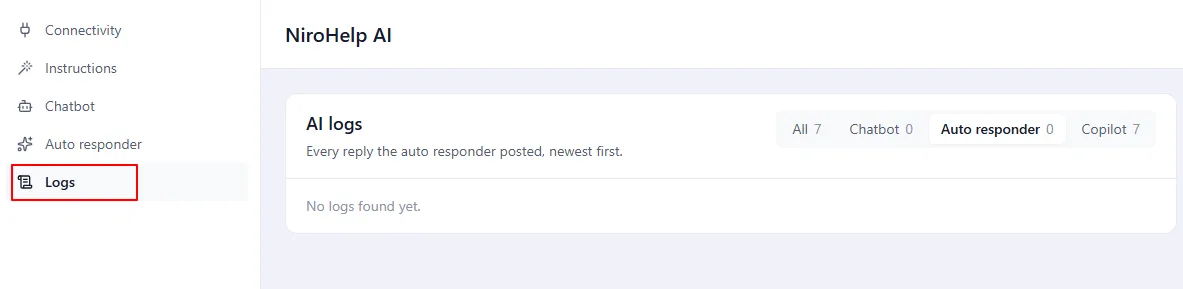
NiroHelp → AI → Auto responder → View logs is meant to list every call with its confidence score and outcome.
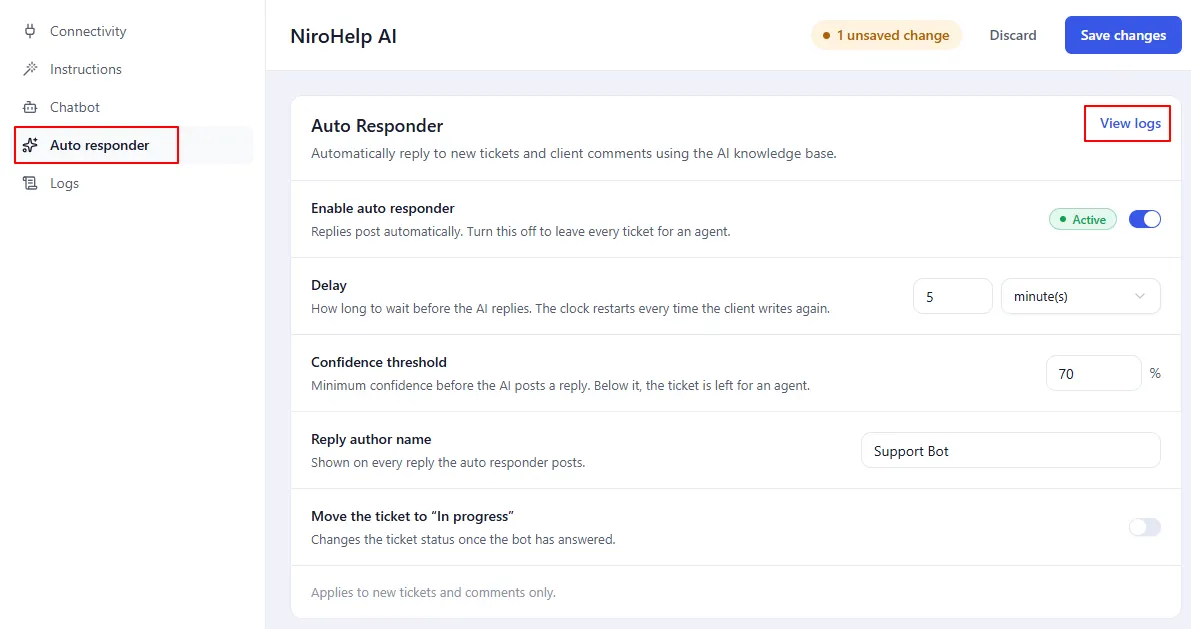
That screen has no data yet. The AI service does not provide the log feed, so the screen reports the service’s error instead of a list. This is on the service side, not something wrong with your site.
Status changes and the bot
Posting a reply normally moves the ticket. When Change ticket status is off, the bot’s own reply lands without moving anything – everyone else’s replies still behave as usual.
Was this doc helpful?